Hardening Your Home Network in Under 30 Minutes
Published by PrismShield Security Editorial
•5 Min Read
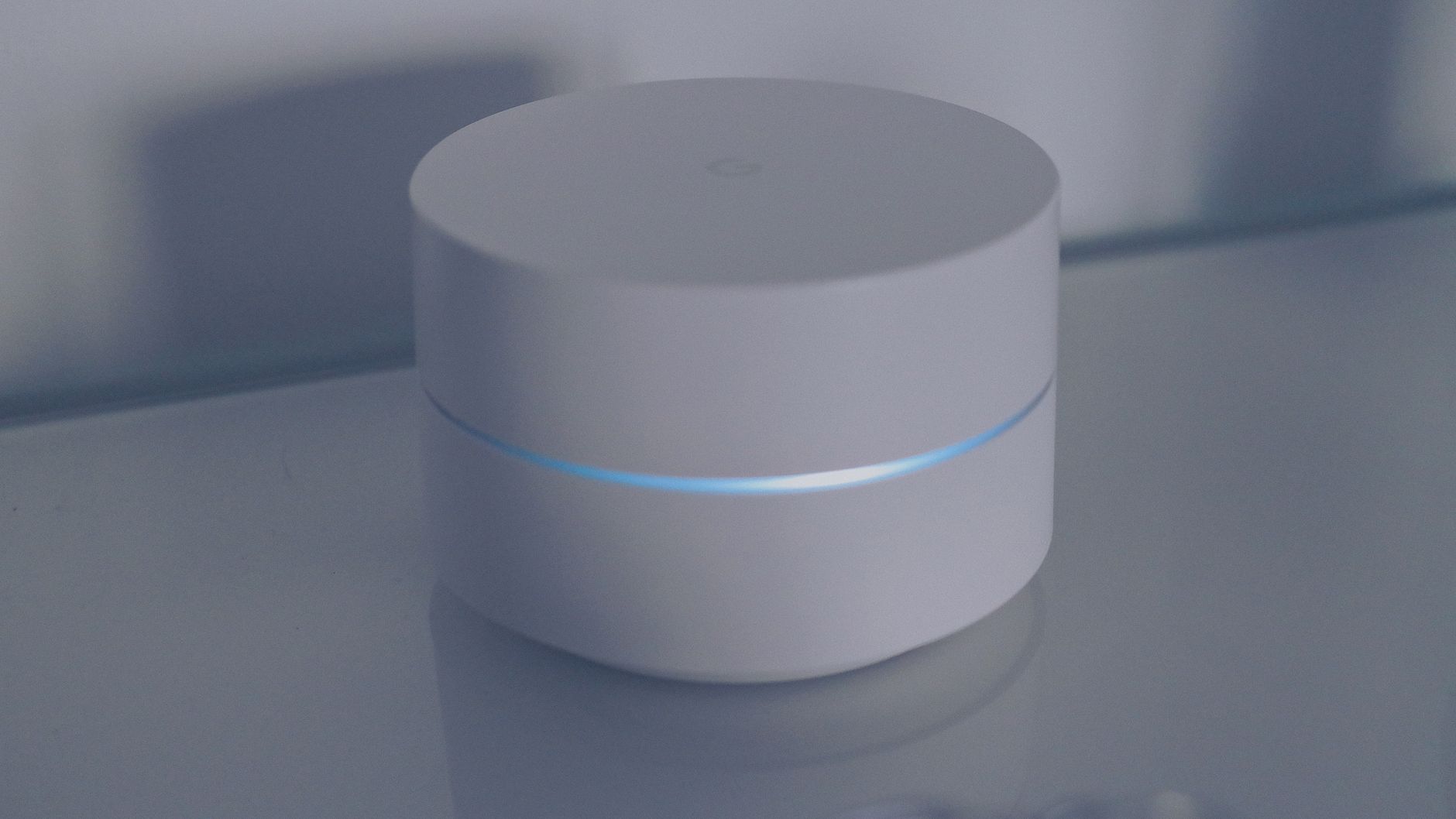
Your home router is the main gateway for all digital traffic. When left unconfigured, it can expose connected devices like laptops, security cameras, and smart TVs to outside networks.
Step 1: Replace Default Administrator Credentials
Many consumers confuse their Wi-Fi password with their router's administrative gateway password. Often, routers are shipped with default admin usernames and passwords easily accessible on online databases. If a bad actor gains access to your home network, they can change configurations and redirect traffic to malicious servers.
Step 2: Segregate Smart Home/IoT Tech
Smart items, like connected smart lightbulbs or robotic vacuums, are rarely updated with modern security patches. Secure your primary computers and mobile phones by creating a separate Guest Network on your router. Set your IoT and smart home devices on this separate guest band so a security issue with a smart lightbulb won't compromise your primary computers.
- Enable WPA3 Encryption: Select WPA3 or WPA2-AES encryption protocols in security settings.
- Disable WPS Pin: This pin verification can be easily breached by standard brute-force tools.
- Automated Firmware Updates: Set updates to automatically apply overnight.
Need a step-by-step secure setup?
Inquire about our Home Safety Consulting Packages for families and remote employees.